Hotel Room Occupancy Rules Explained
A practical step-by-step guide to hotel room occupancy rules explained, including preparation, instructions, common issues, tips, and next steps.
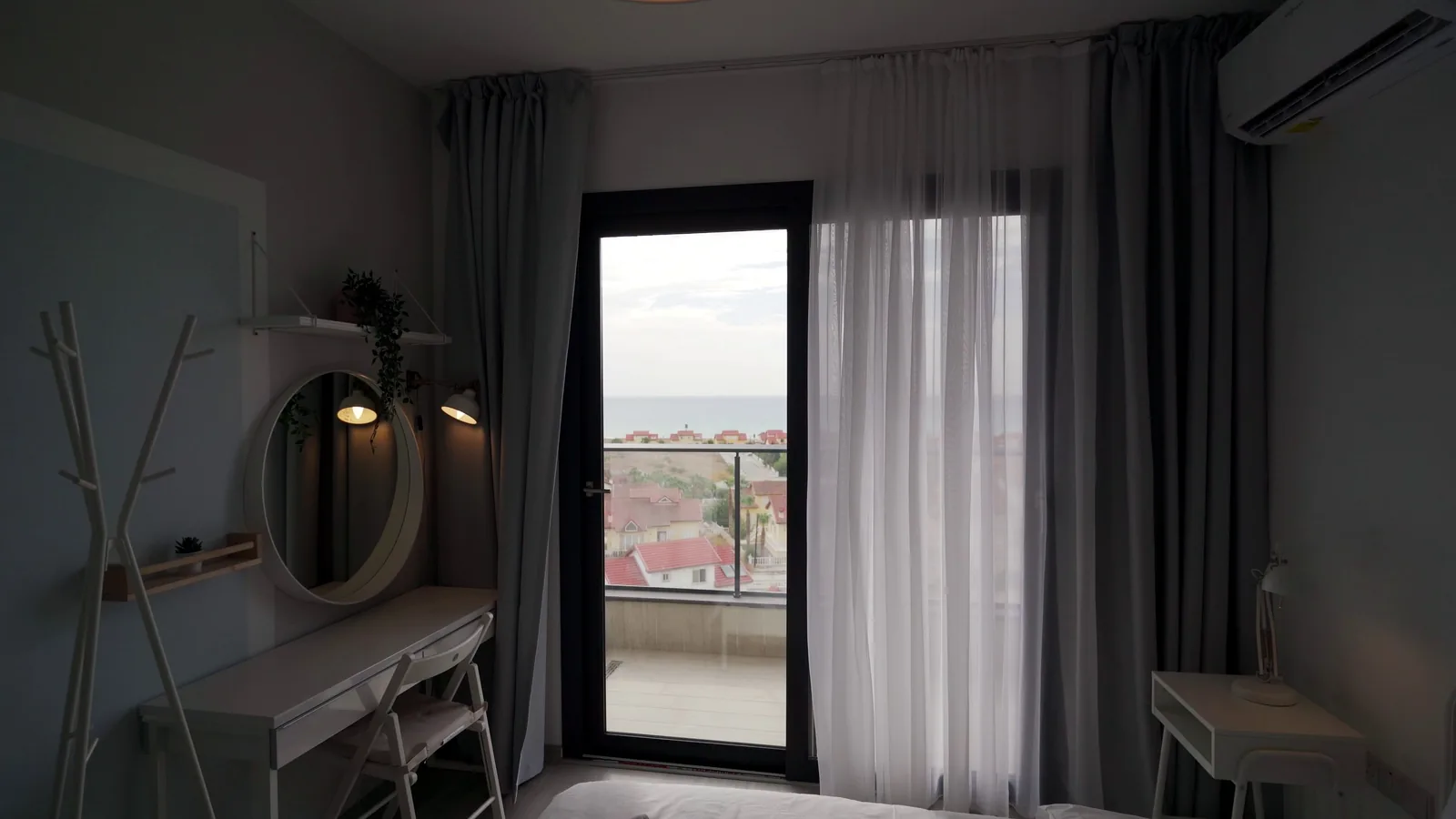
Hotel Room Occupancy Rules Explained
Understanding hotel room occupancy rules helps you avoid surprise fees, upgrade denials, or being turned away at check-in. This guide explains how to read policies, confirm guest counts, and handle common situations calmly. You will learn what to check before booking, how to communicate with staff, and how to resolve issues politely. The advice applies to standard hotels, resorts, and extended-stay properties, though exact limits vary by property and local rules. Always verify details directly with the hotel or your booking provider.
Fast Answer
- Check the room's maximum occupancy before booking, then confirm the number of adults and children in your reservation, including infants if the hotel counts them.
- If your group exceeds the stated limit, call the hotel directly to ask about connecting rooms, a larger unit, or a rollaway bed before you arrive.
Before You Start
- Find the room type's occupancy limit on the hotel website or booking page; look for phrases like 'sleeps up to' or 'maximum guests'.
- Count every person in your group, including children and infants, because some hotels count them toward the limit while others do not.
- Check whether extra beds, cribs, or rollaway beds are allowed and if they affect the occupancy cap or require a fee.
- Save a screenshot or print the policy page showing the limit and any fees so you can refer to it if the front desk gives different information.
Step-by-Step Instructions
Find the official occupancy limit
Start by locating the room's maximum occupancy on the hotel's own website or on a trusted booking site. Look for a clear statement such as 'sleeps up to four guests' or 'maximum occupancy: two adults and two children.' Write that number down. Next, check whether the limit changes for different room types, such as a standard room versus a suite. The reason this matters is that a booking site may show a generic limit while the hotel applies a stricter rule. If you cannot find the limit, call the hotel and ask them to confirm it in writing, such as an email. This creates a record you can show at check-in. Also ask if the limit includes infants or if children under a certain age are exempt. Knowing the exact rule before you book prevents last-minute problems.
Count every guest in your group
Make a complete list of everyone who will stay in the room, even for part of the trip. Include adults, children, and infants. If a friend plans to visit but not sleep there, ask the hotel whether visitors count toward occupancy. Write the total number next to the room's limit. If your count is equal to or lower than the limit, you are likely fine, but still confirm any extra fees for cribs or rollaway beds. The reason to count carefully is that hotels often charge for undeclared guests or may deny entry if the number exceeds the limit. Also check if the hotel requires you to register every guest at check-in. Some properties ask for identification from all adults. Knowing your exact count helps you choose the right room type and avoid awkward conversations at the front desk.
Contact the hotel to confirm details
Call or email the hotel directly, not just the booking platform, to confirm your group size fits the room. Say something like: 'I have a reservation for two adults and two children. Does this room allow that many guests?' Ask about any extra fees for additional guests, cribs, or rollaway beds. Also ask if the hotel can accommodate a connecting room if your group is larger. The reason to speak with the hotel is that booking platforms sometimes show outdated or incomplete policies. Get the name of the person you speak with and the date. If they confirm in writing, save that message. This step prevents surprises at check-in, especially during busy seasons when the hotel may be fully booked. If the hotel says your group is too large, ask about upgrading to a larger room or booking a second room nearby.
Review your booking confirmation
After you book, read your confirmation email or app carefully. Check that the number of guests listed matches your actual group. Look for any line about occupancy limits, extra person fees, or bed types. If the confirmation does not show the guest count, call the hotel again to add it. The reason this check matters is that a mismatch between your reservation and your actual group can cause delays or extra charges at check-in. Also verify the room type: a room that sleeps two may not have space for a crib. If you need a crib or rollaway, confirm it is reserved, not just requested. Save the confirmation in a folder or forward it to yourself. This simple step gives you a clear reference if questions arise during your stay.
Prepare for check-in with your group
On arrival, have your confirmation and identification ready. Tell the front desk the exact number of guests staying in the room. If you have a crib or rollaway reserved, remind them politely. The reason to be upfront is that hiding extra guests can lead to fines, eviction, or a ruined trip. If the front desk says your group exceeds the limit, stay calm. Ask to speak with a manager and show your confirmation. If the hotel cannot accommodate you, ask for help finding a nearby room or a refund. Do not argue loudly in the lobby. Instead, step aside and discuss options. Many hotels will work with you if you are polite and have proof of your reservation. This approach keeps the situation manageable and increases your chances of a good outcome.
Handle occupancy problems after check-in
If you discover after check-in that the room cannot hold your group, or if a staff member questions your guest count, act quickly. First, re-read your confirmation and any written policy. Then call or visit the front desk and explain the situation calmly. Ask what options exist: a larger room, a connecting room, or a second room at a similar rate. If the hotel cannot help, contact your booking provider for assistance. The reason to act fast is that waiting until late at night limits available solutions. Keep a record of names, times, and what was said. If you are asked to pay extra, ask for an itemized bill before agreeing. If the issue remains unresolved, ask for a manager's contact and follow up in writing. This protects your rights and helps you avoid paying for something you did not agree to.
Quick Reference
| Situation | Action | Why it helps |
|---|---|---|
| Your group has more people than the room's stated maximum occupancy. | Call the hotel before booking or arriving, explain your group size, and ask about a larger room, connecting rooms, or a second room at a similar rate. Get the answer in writing if possible. | Hotels can refuse check-in or charge extra fees for undeclared guests, so confirming ahead avoids a stressful arrival and unexpected costs. |
| The booking website shows one occupancy limit but the hotel's front desk says a different number. | Politely ask the front desk to check your reservation and show them your confirmation email or screenshot. If they insist on the stricter limit, ask to speak with a manager and request a solution such as a room change or refund. | Booking platforms sometimes display outdated policies, and having proof of your reservation helps you resolve the conflict without paying more or losing your room. |
| You want to bring a visitor who will not stay overnight but will be in the room for a few hours. | Ask the hotel whether day visitors count toward occupancy or require registration. If they do, either register the visitor or meet them in the lobby instead of the room. | Many hotels treat any person in the room as a guest for safety and insurance reasons, so ignoring the rule could lead to warnings or extra charges. |
Common Issues
- The hotel says your infant counts toward the occupancy limit, but you assumed babies stay free.: Ask the hotel for their written policy on infants and cribs. If the infant counts, request a room that allows an extra crib or consider a larger room. Some hotels waive the limit for babies in cribs, so always ask before cancelling or rebooking.
- You arrive with more guests than reserved, and the front desk refuses to check you in.: Stay calm and ask for a manager. Show your confirmation and explain the mix-up. If the hotel cannot accommodate you, ask for a full refund and help finding another hotel nearby. In the future, call ahead to confirm the guest count before you travel.
- You are charged an extra person fee that was not mentioned at booking.: Request an itemized bill showing the fee. Check your original confirmation for any mention of extra person charges. If the fee was not disclosed, ask the manager to remove it. If they refuse, contact your booking provider and dispute the charge with your payment method.
Advanced Tips
- Ask the hotel if they offer a 'family room' or 'suite' that sleeps more people than a standard room, often at a similar rate to two connecting rooms.
- When traveling with a group, book connecting rooms early and confirm that the door between them can be opened, because some hotels lock them for safety.
- If you frequently travel with a large family, join the hotel's loyalty program and note your typical group size in your profile, so future bookings show accurate occupancy needs.
Final Checklist
- Confirm the room's maximum occupancy on the hotel's official website or by calling the hotel directly.
- Count every person in your group, including children and infants, and compare it to the limit.
- Ask the hotel in writing about extra fees for additional guests, cribs, or rollaway beds.
- Save your booking confirmation and any written policy in a place you can access offline.
FAQ
Do children count toward hotel room occupancy limits?
It depends on the hotel. Some count all children, while others exempt infants or children under a certain age. Always ask the specific hotel for their policy. If you are unsure, call and ask them to confirm in writing. This avoids surprises at check-in and helps you choose a room that fits your family.
What happens if I bring more guests than the room allows?
The hotel may refuse to check you in, charge extra fees, or ask you to book another room. In some cases, they may evict you without a refund. To avoid this, call the hotel before you arrive, explain your group size, and ask about options. Being upfront and polite usually leads to a workable solution.
Can I have visitors during the day if they do not stay overnight?
Many hotels count any person in the room toward occupancy, even for a short visit. Ask the front desk about their visitor policy. If visitors are not allowed, meet them in the lobby or a public area. Registering visitors may be required for safety and insurance reasons, so always check before inviting someone to your room.